 |
| 8GB 的 M1 Mac Mini + Satechi USB Hub |
如果手邊有Mac Mini M1(128G,窮人版)的人, 應該當下都會驚訝這個電腦可以這麼少的功率(比燈泡還省電!) 就可以有伺服器一般的綜效, 前前後後也透過他做了很多有的沒的的專案應用(從以前還有iPhone 6s, iPad mini 4)都透過他做了節約網路與一些加速的功能, 但是回來Android生態圈又覺得好像有點可惜. (連蘋果迷今年還為了讓這台超強小桌機拍了一集)Mac 變 NAS 一點都不難!教你用 Mac mini 8GB簡單設定、輕鬆打造家庭伺服器!全自動備份+檔案共享 + 蘋果黑科技一次擁有 |【Mac mini 再戰十年】系列影片 Ep.4
 |
| Mac mini M1 Spec |
開始想說是不是應該開拓更多從零開始的延伸專案來試著它不要只活在Apple的生態圈, 所以就開始透過Docker的壓榨效能之路, 這裡列出幾個OpenSource的專案, C/P值最高的幾個. 附上參考的安裝網址, 但是後來發現用Gemini AI來指引更快, 連Youtube教學都可以省略, 只要來回幾個除錯就可以開啟新的服務, 比以前得自己慢慢來有效率多了,這邊是幾個用極少的記憶體就能提升網路應用的專案:
 (Docker) Technitium DNS Server
 |
| UI and How It Works in the browser |
nextcloud
500M+
Nextcloud manual docker image

 |
| heatmap for strategy |
 |
| docker projects resourcing and Adtest in Home MacMini |
這是一個透過手機本地端的FTP站,然後透過電腦回來抓照片或是任何資料的方式。為的是因為NextCloud or Google Photo這類的保存資料的方式往往只限於特定格式(照片或影片),但是其實更多的時候是有文件PDF、codes.....所以乾脆反過來讓手機透過Termux 快速的部署SFTP server, 架站開始運行後把東西從其他電腦端抓下來(這樣常用的手機中肥大的資料也可以快速降低)。
Why: It allows for SFTP (Secure FTP), which is encrypted (unlike standard FTP) and runs standard Linux binaries.
Setup:
Install Termux from F-Droid (avoid the Play Store version, it's outdated).
Run:
pkg update && pkg install opensshSet a password:
passwdStart the daemon:
sshd- Kill the FTP service when done::
pkill sshd
P.S. Use Whoami to find "username"
| SFTP server runs(手機上用File Explorer) |
 |
| Android Phone Run STP Server |
這是一個將數位資本的資料移動到本機端運作的工具, 支援JSON可以把Facebook打包下來的資料匯入, 也可以透過App作為Photos, Calendar, 的或是任何Google資料備存在本機資料庫的應用. 最棒的是在於幾乎跟Google Photo的UI一模一樣, 可以標籤名稱, 地點, 或是同樣的以自然語言來作圖庫的搜尋. (Android, iOS 也有對應的手機介面可以簡單的自動備分)


 |
| Antigravity後來有整理出來如何透過immich串聯Obsidian將照片轉作筆記 |
P.S. Antigravity在Mac Mini(8GB)還是存有物理限制, 有些功能仍需要透過新一代的AI PC才能夠連串起來使用(多個LLM模型, 搭配n8n與多個API串接對口). 以下是我詢問為什麼有些應用只有在新的Lunar Lake才有辦法執行?

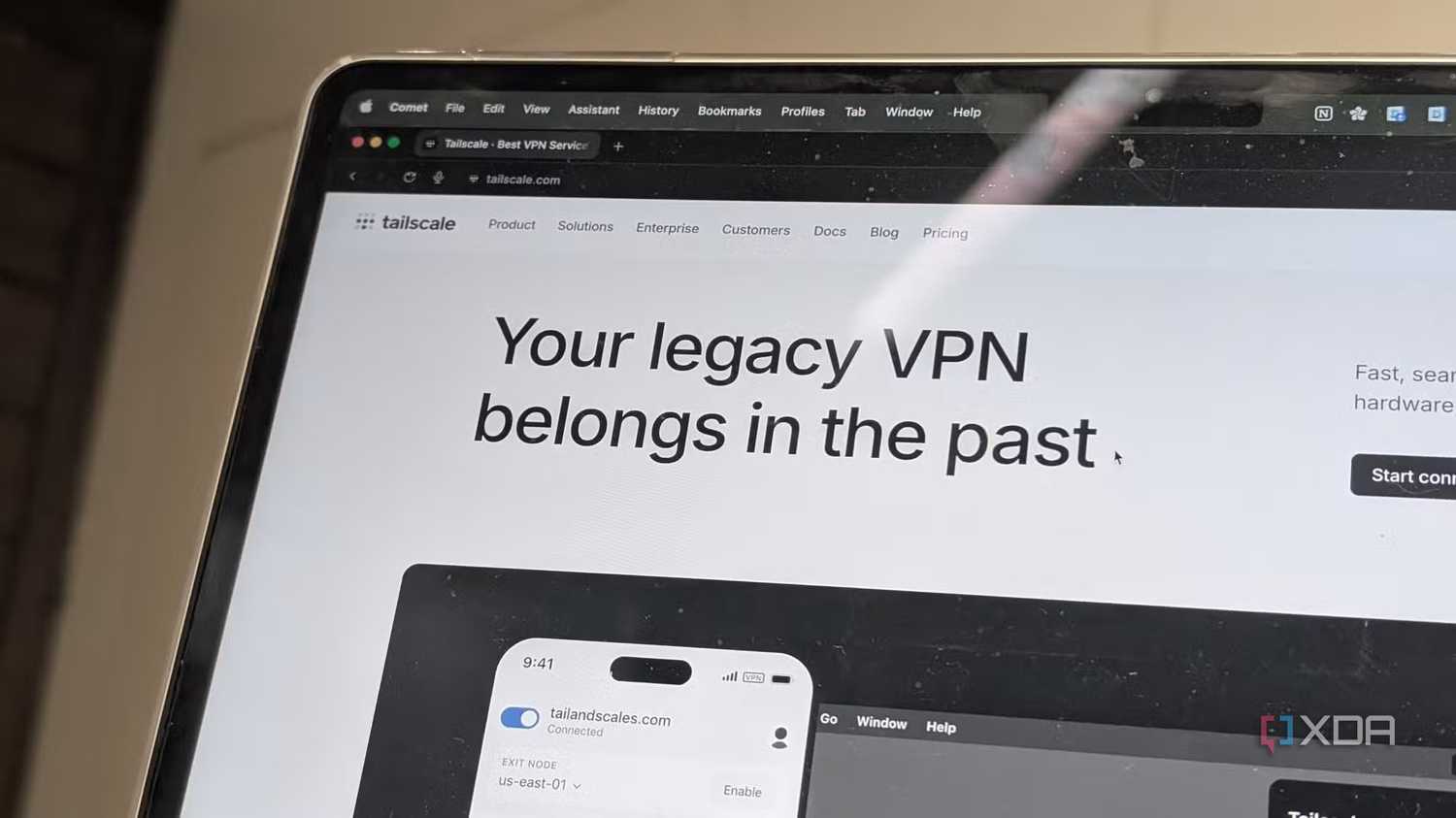
(最簡單的上手的就是Tailscale) 但是,身為QA控實在不能接受網路安全在外面就得必須妥協而不能用自己的DNS(毛很多的資安意識+很多服務掛在自己的HomeLab).然後意外發現如果透過docker sidecar 來使用(如何在Docker輕鬆實現sidecar模式) 還是必要的.最好的是透過sidecar, 所有服務都只要用localhost就可以抵達與低延遲.
 |
| 掛上sidecar後, 沒有外掛就可以70/100ㄝ ; 有Adblock這類外掛就可以92-100/100 |
 |
| Docker看到服務跑起來(其實很小) |
Here is the breakdown of why Google Antigravity works on your Dell Lunar Lake but fails on the Mac mini for this specific task.
1. The "Agentic" Memory Tax (8GB is the Hard Limit)
You mentioned using Antigravity to “ask Obsidian to build a webpage for image upload/recognition.” This is an Agentic Workflow, not just a simple code generation task. In Antigravity (which is an agent-first IDE), the system isn't just writing text; it is:
Planning: Running a background "thought process" to break down the task.
Context Management: Holding your current code, the Obsidian vault context, and the image data in memory.
Execution: Likely spinning up a local server or a subprocess to test the "webpage" or run the image recognition logic.
On the Mac mini (8GB):
The M1 chip uses Unified Memory. That 8GB is shared between the OS, the Graphics (displaying your screen), and the Applications.
Antigravity (like VS Code it is forked from) is an Electron app (memory heavy).
Obsidian is also an Electron app.
When the Agent tries to process an image or run a build script, the Mac runs out of physical RAM and starts "swapping" to the SSD. This causes the process to time out, crash, or simply fail silently because the AI Agent loses its context window due to memory pressure.
On the Dell Lunar Lake:
This is an "AI PC" (Intel Core Ultra Series 2). It almost certainly has 16GB or 32GB of RAM (the standard for Lunar Lake).
It has an NPU (Neural Processing Unit) that Antigravity might be leveraging for some local tasks (like local index retrieval or small model inference), offloading the CPU.
The extra RAM allows the Agent to hold the "Plan," the "Image," and the "Obsidian Context" simultaneously without crashing.
2. Local vs. Cloud Inference
Antigravity supports both Cloud Models (Gemini 3 Pro, Claude Sonnet) and Local Models (Ollama, local Gemini Nano).
If you are using a Local Model: The M1 (8GB) cannot run a decent coding/vision model and the IDE/OS simultaneously. The model weights alone would eat 4-6GB, leaving nothing for the system.
If you are using Cloud Models: Even with Cloud models, the local orchestration (the "Agent Manager" in Antigravity) consumes significant RAM to track the "Task List" and "Artifacts" (the verifiable deliverables). The 8GB M1 simply chokes on the overhead of managing the agent's state.
3. Architecture Specifics (Image Recognition)
The specific task—"upload image to recognize"—is the killer.
If the webpage uses a library like Tesseract.js or a Python script for recognition, the Agent attempts to run this locally to verify it works.
Image processing requires a sudden spike in RAM. On a constrained 8GB machine, this spike triggers the OOM Killer (Out of Memory), which terminates the background worker (the Agent) to save the OS.
Summary & Fix
Your Dell Lunar Lake is handling this because it is a modern AI-ready machine with sufficient headroom. The M1 is still a fast chip, but 8GB of RAM is insufficient for modern "Agentic IDE" workflows which effectively run a "virtual developer" alongside you.
Suggested Next Step:


沒有留言:
張貼留言
謝謝您的留言, 我會在收到通知後盡快回覆您的.
Thanks for your comment. l may reply once I got notification.